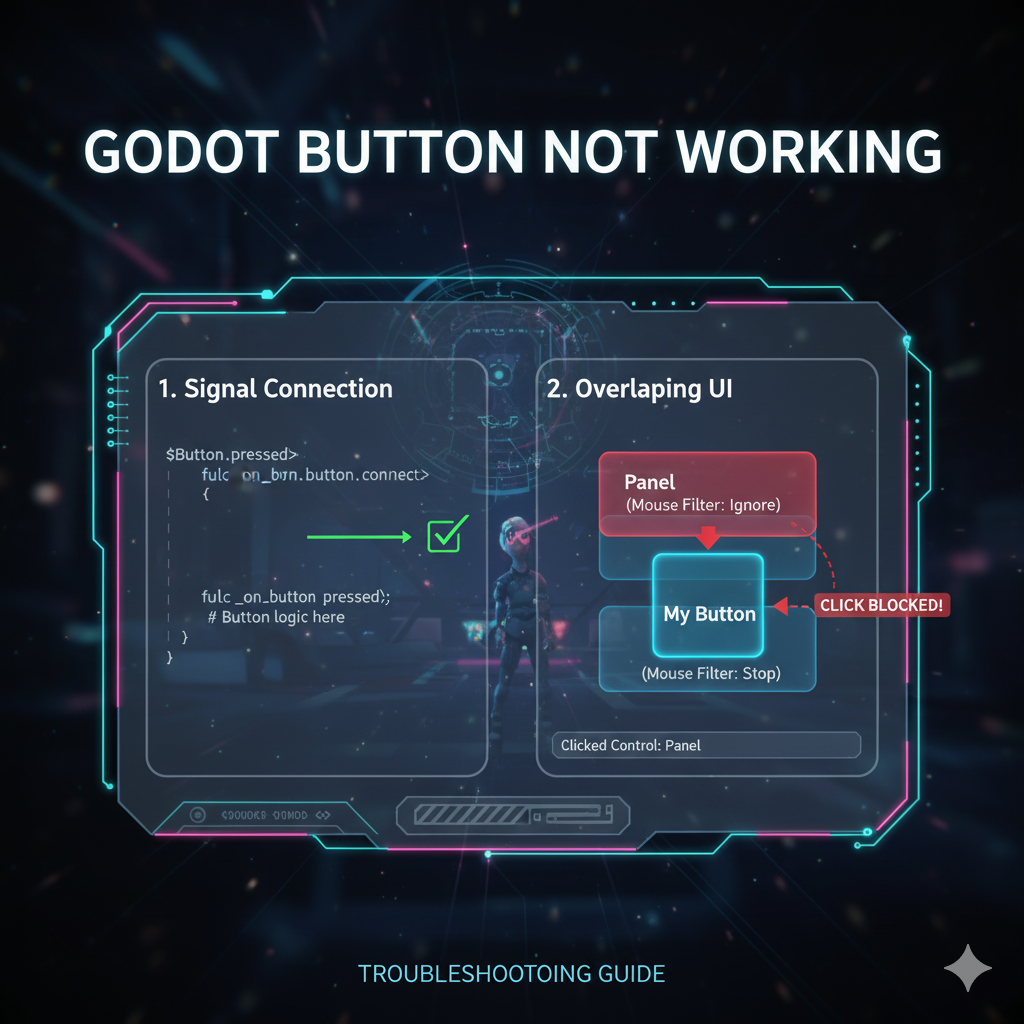
I’ve been working on a simple Godot game for a few days now and was about to start testing on an actual phone. To my suprise all buttons doesn’t seem to be working on my phone. But they are working when testing them on my computer.
For reference I’m using Godot 4.3.
After looking online for any similar cases, the common response was to enable “Emulate Mouse From Touch” option in the project settings or check if I’ve connected the signal for the “pressed()” event.
I’ve done all of those things and on mobile the buttons are showing indications of being pressed (color changes and outlines showing). One helpful idea I got was something might be erroring out in my project and I’m just not seeing it.
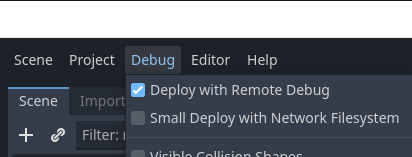
I had to turn on the “Deploy with Remote Debug” option under “Debug” menu to display the errors when I’m running the game on my phone remotely.
After that one of my scene that was being loaded at the start has an error that’s not showing up when I ran it in my computer. After I fixed that error all buttons are working on my phone.
The game is still in beta as of this moment, you’re free to join the internal tester list: https://play.google.com/apps/internaltest/4701666419675268448
It’s live now on google playstore: https://play.google.com/store/apps/details?id=com.palawenos.eliminateblocks
Thanks : )
Leave a Reply